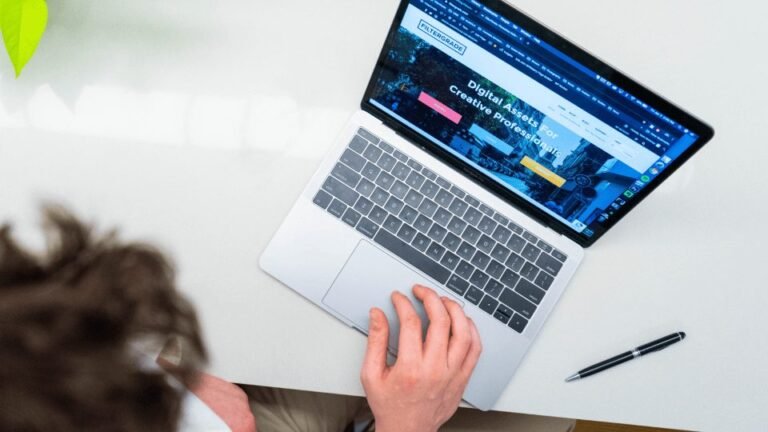
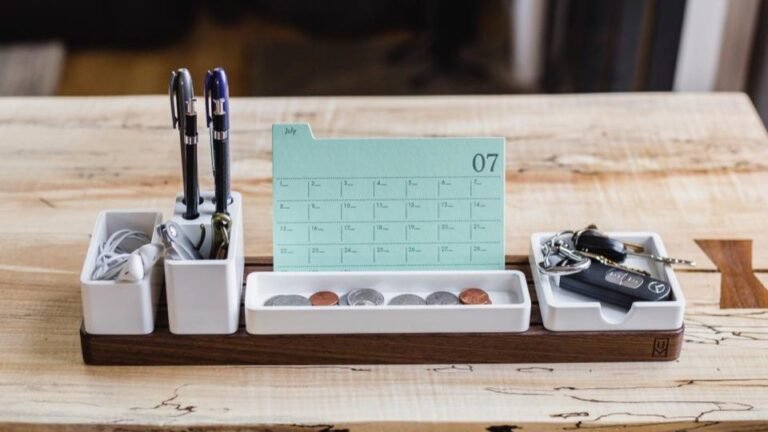
Social media makes a home office look like a separate room with a standing desk, two monitors and a plant. Most parents who set up a home office on a budget use a corner of the kitchen table, the end of a bedroom or a small desk on a landing. That’s fine. What matters is that your set-up is reliable, comfortable enough for a few hours, and quiet when you need it to be.
Quick answer: for most home jobs you need a laptop, reliable internet, a supportive chair, decent light and, for calls, a headset and a door you can close. Many employers supply the laptop and headset. In Ireland, employees can claim tax relief on part of their electricity, heating and broadband; in the UK and US, employees can no longer claim this themselves.
Home office on a budget: what you need on day one
- A computer. For most admin, support and freelance work, a mid-range laptop from the last few years is enough. Check job ads first: many employers supply one.
- Reliable internet. For video calls, a stable connection matters more than headline speed. If your Wi-Fi drops in your work spot, a cheap Ethernet cable or a mesh extender can fix it.
- A headset with a microphone if you’ll be on calls. It cuts background noise far better than laptop speakers.
- A chair you can sit in for two hours. Your back will thank you more than for anything else on this list.
That’s genuinely it for most people starting out.
Home office on a budget: what’s worth adding next
Once you’re earning, these make the biggest difference for the money:
- A laptop stand plus a separate keyboard and mouse. Raising the screen to eye level helps your neck, and the set costs far less than a new desk.
- A second monitor, if your work involves switching between documents. A second-hand one is often cheap.
- A desk lamp placed in front of you, not behind, so you’re visible on video calls.
- Noise-cancelling headphones if the house is busy.
What a home office on a budget can skip
- An expensive “ergonomic” chair before you know you’ll stick with the work
- Ring lights, unless you’re making video content (see our UGC creator guide)
- Paid software before you’ve checked the free versions
- Office furniture sets, because a small table and good chair are enough
Making a small space work with children
- Pick one spot and keep it. Packing up the kitchen table every day wastes time. A small desk in a quiet corner, even if it’s tiny, saves setting up.
- Use a box or basket to put work things away out of children’s reach.
- Agree a “busy” signal, such as a closed door or headphones on, for calls.
- Have a call plan. For important calls, line up help, a film, or a nap-time slot.
- Back up your work. A drink spilled on a laptop is far less stressful if your files are in OneDrive, Google Drive or Dropbox.
If your work is mostly phone or video calls, the quiet room matters more than anything else. Roles such as bookkeeping or proofreading are more forgiving of a busy house.
Can you get tax relief on home office costs?
The rules differ a lot between countries and between employees and the self-employed. As of 2026:
Ireland
- Employees can claim Remote Working Relief from Revenue on 30% of the cost of electricity, heating and broadband, apportioned by the number of days you worked from home. You claim through myAccount and keep your bills as proof.
- Your employer can instead pay you up to €3.20 per day tax-free. If they do, you deduct that from your Revenue claim.
- Self-employed people claim a reasonable share of household running costs as a business expense on their tax return.
UK
- Employees can no longer claim tax relief from HMRC for working from home. The old £6-a-week flat-rate claim was abolished from 6 April 2026, even if your contract requires you to work from home. Claims for earlier tax years may still be possible within the four-year limit.
- Employers can still reimburse eligible homeworking costs tax-free, so it’s worth asking.
- Self-employed people can still claim a share of household costs or use HMRC’s simplified flat rates.
US
- Employees (W-2) cannot deduct home office costs on their federal return. This was suspended in 2018 and made permanent in 2025.
- Self-employed people who use part of their home regularly and only for work can claim the home office deduction, including a simplified method of $5 per square foot, up to 300 square feet.
Not sure whether your side income needs declaring at all? Our side income tax checker explains the thresholds.
Before you claim anything for a home office on a budget, check the current rules with Revenue in Ireland, GOV.UK in the UK or the IRS in the US, as they change most years.
Watch out for “equipment” scams
A common work-from-home scam involves a “new employer” sending you a cheque to buy equipment from their “approved supplier”. The cheque bounces after you’ve sent the money. Genuine employers either send equipment directly or tell you what you need before you sign anything. Never pay for equipment to get a job. Check any offer with our work-from-home scam checker.
Next steps
Got your space sorted? Work out how many hours you have with the school-hours planner, follow our 30-day plan to start working from home, or take the Remote Work Matcher to see which work fits your set-up.
See how many hours you can really work around school and naps.